Unitree Go2







Please note that this workspace is only tested in simulation.
See Last tested for the latest validation status.
🐳 Start Container
Make sure your system meets the system requirements and have followed the setup instructions before using this workspace.
Run the following commands in a Ubuntu desktop environment. If you are using a remote server, make sure you're using a terminal within a remote desktop session (e.g., VNC) instead of SSH (i.e., don't use ssh -X or ssh -Y).
cd ~/ros2-essentials/go2_ws/docker
docker compose build
xhost +local:docker
docker compose up -d
# The initial build will take a while, please wait patiently.
If your user's UID is
1000, you may replace thedocker compose buildcommand withdocker compose pull.
The commands in the following sections assume that you are inside the Docker container:
If the initial build somehow failed, run:
Once you have finished testing, you can stop and remove the container with:
If you encountered unexpected issues when using Isaac Sim, see Known Issues for more details.
Testing
Isaac Lab Examples
Training environments (Isaac-Velocity-Flat-UnitreeGo2, Isaac-Velocity-Rough-UnitreeGo2):
cd ~/IsaacLab
./isaaclab.sh train --rl_library rsl_rl --task Isaac-Velocity-Rough-UnitreeGo2
# or
./isaaclab.sh train --rl_library skrl --task Isaac-Velocity-Rough-UnitreeGo2
Run pre-trained model inference:
cd ~/IsaacLab
./isaaclab.sh play --rl_library rsl_rl --task Isaac-Velocity-Rough-UnitreeGo2 --num_envs 4 --checkpoint pretrained --viz kit
The Go2 task currently selects Newton MJWarp physics by default, including
when --viz kit opens an Isaac Sim viewport. The published checkpoint may
download on first use. Wait for Policy playback is running before judging
the motion or recording the window.
The default camera looks at the world origin, so Go2 may appear small or leave the viewport. For a custom task configuration, set the supported Kit camera configuration before launching the simulation:
from isaaclab_visualizers.kit import KitVisualizerCfg

env_cfg.sim.default_visualizer_cfg = KitVisualizerCfg(
    eye=(3.0, 3.0, 2.0),
    lookat=(0.0, 0.0, 0.0),
    origin_type="asset",
    origin_env_index=0,
    origin_track_path="robot",
)
The Go2 rough-terrain smoke check can train for two iterations and capture a playback video with a camera that follows the robot. Run it from the repository root after building the workspace image:
Champ Controller Demo
-
Launch the Go2 in the Isaac Sim.
-
Launch the Champ controller
On the first launch, the Go2 in Isaac Sim may initially stand on its rear legs, which can cause it to fall backwards or sideways during the next step. To fix this, simply stop and restart the Isaac Sim simulation (leave the CHAMP controller running), then proceed with the remaining steps.
-
Send a command to the Go2
We use the
teleop_twist_keyboardfor demonstration.
You can use any other method as well.
Nav2 Demo with Champ Controller
Note: This demo is only a quick verification that Nav2 can be used to control the Go2 to reach a target point. Many important steps, such as the Go2's odometry and SLAM, are omitted in this demonstration. In the current pipeline, Nav2 simply uses the ground-truth odometry data provided by Isaac Sim to control and move the Go2 to the target point.
-
Launch the Go2 in the Isaac Sim.
-
Launch the Champ controller
-
Launch Nav2
You can use the
2D Goal Posein RViz to set the target position, then Nav2 will plan a path and control the Go2 to reach it.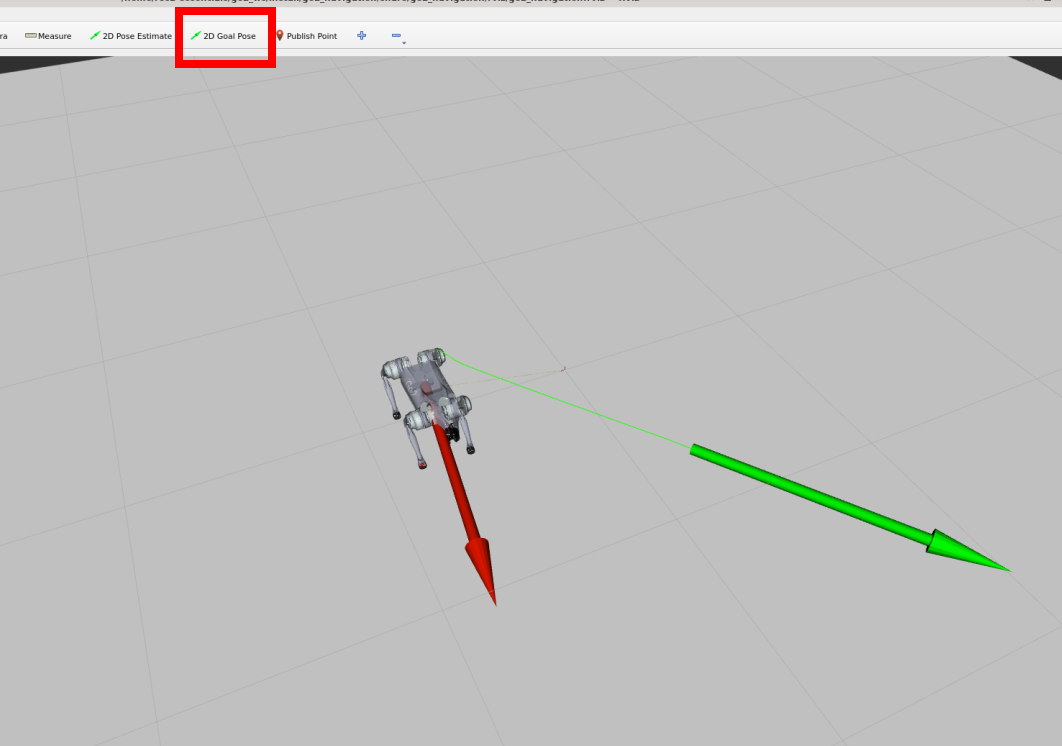
Custom Isaac Sim Environment
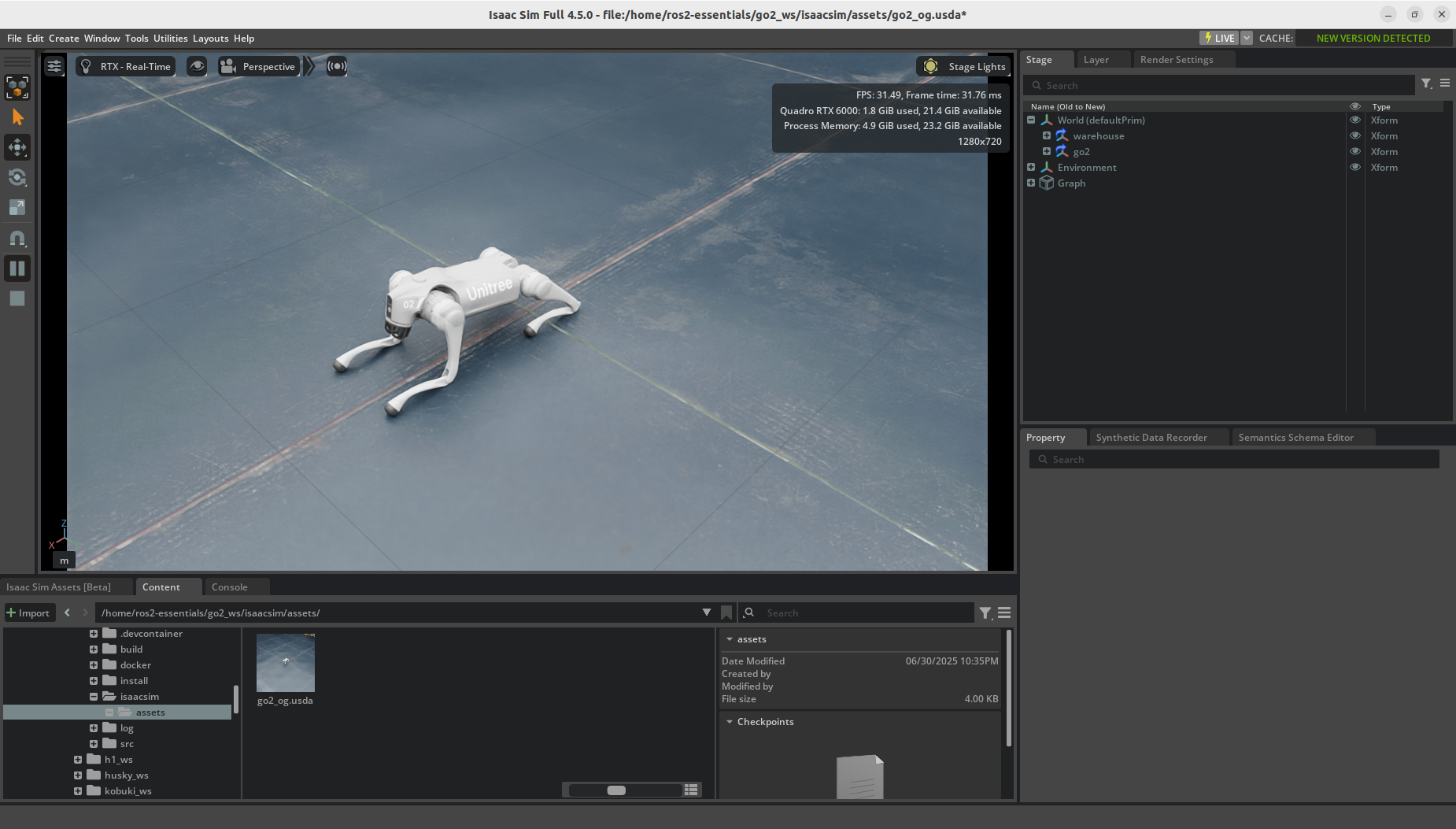
Run ~/isaacsim/isaac-sim.sh and open /home/ros2-essentials/go2_ws/src/isaacsim/assets/go2_og.usda in Omniverse, and then press Play.
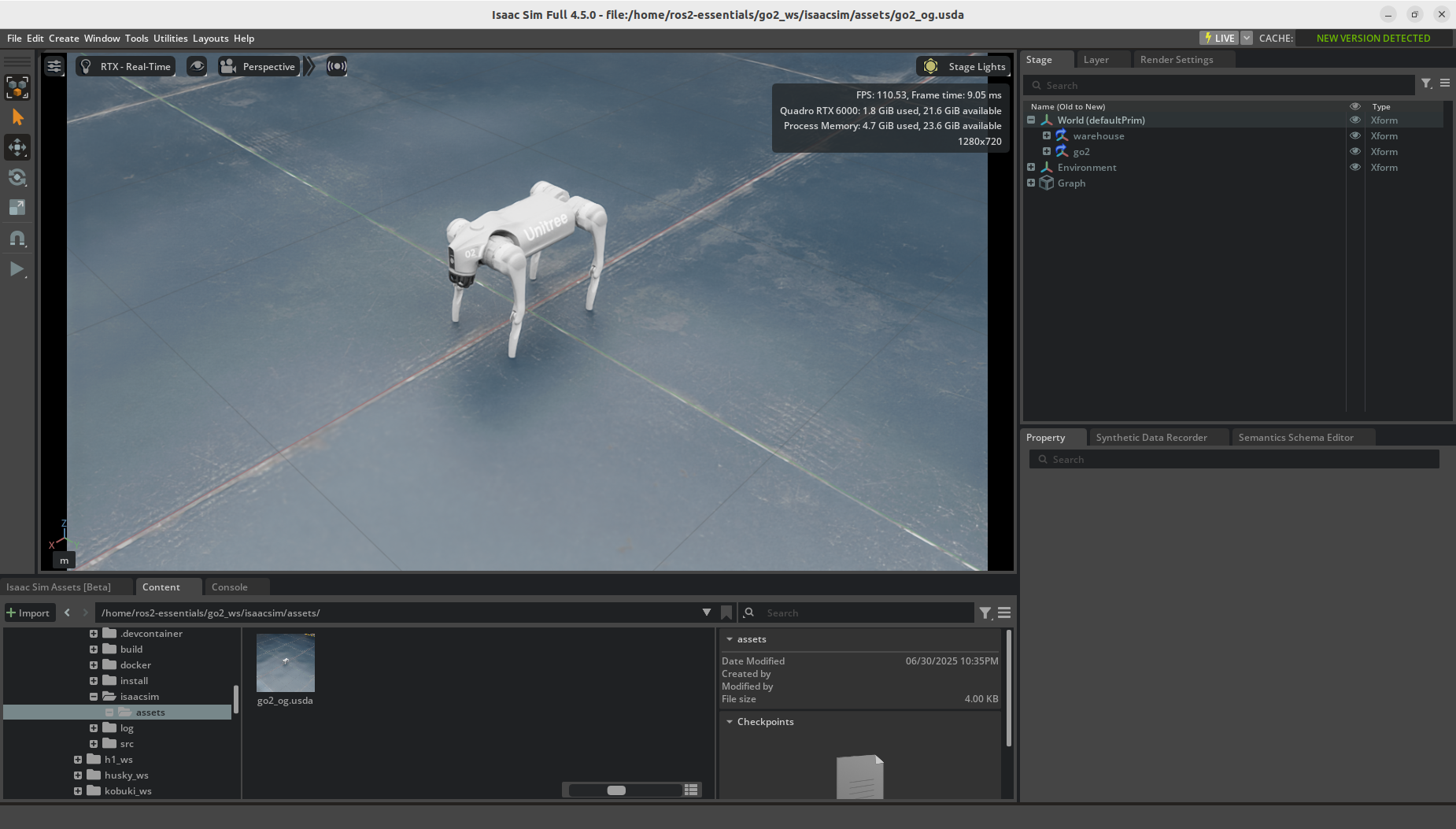
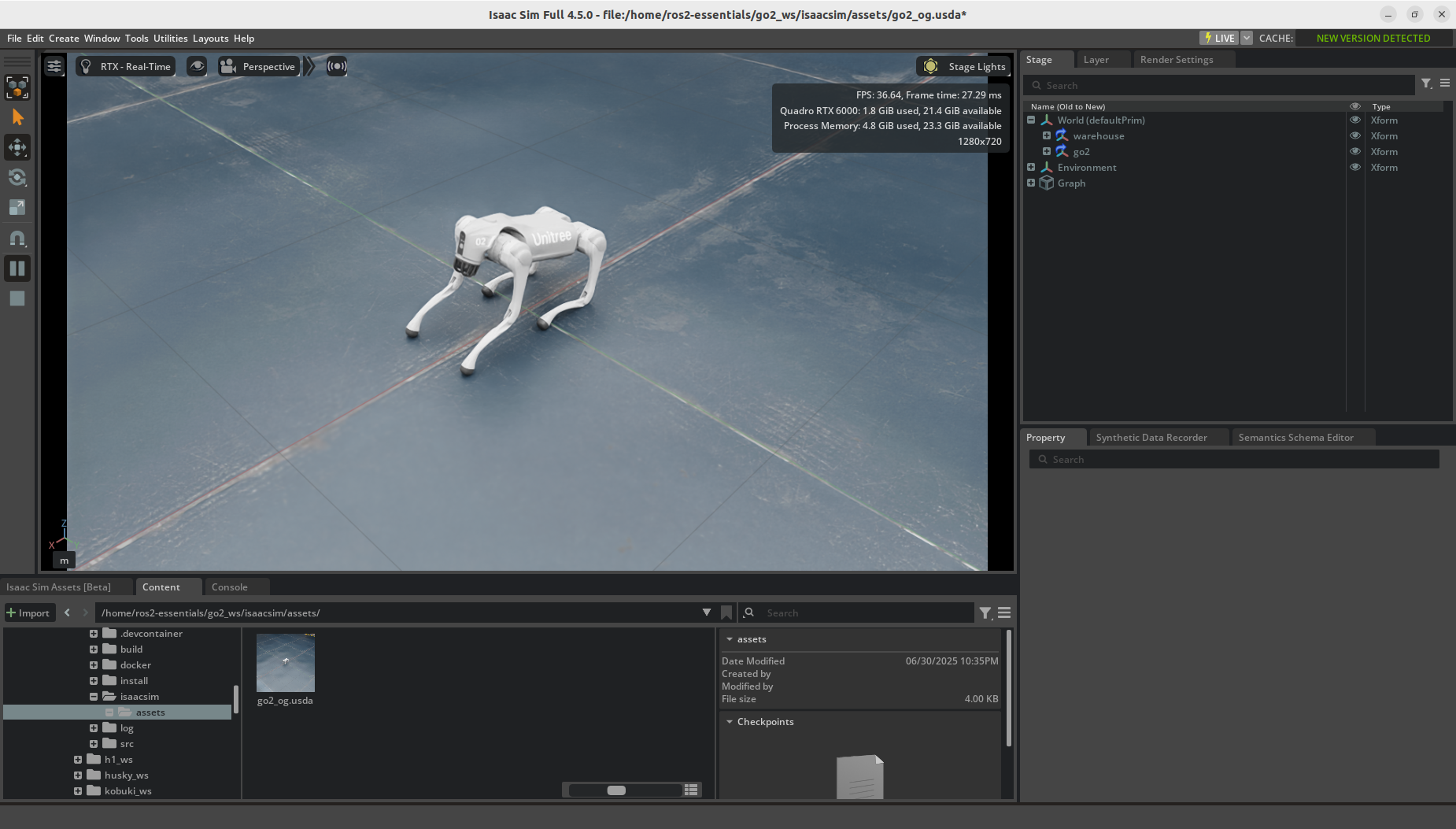
Note: This scene was known to fall over after pressing Play in Isaac Sim 6.0.1. Revalidate its behavior with Isaac Sim 6.1.0.
In another terminal, exec into the container:
Inspect the joint states and clock:
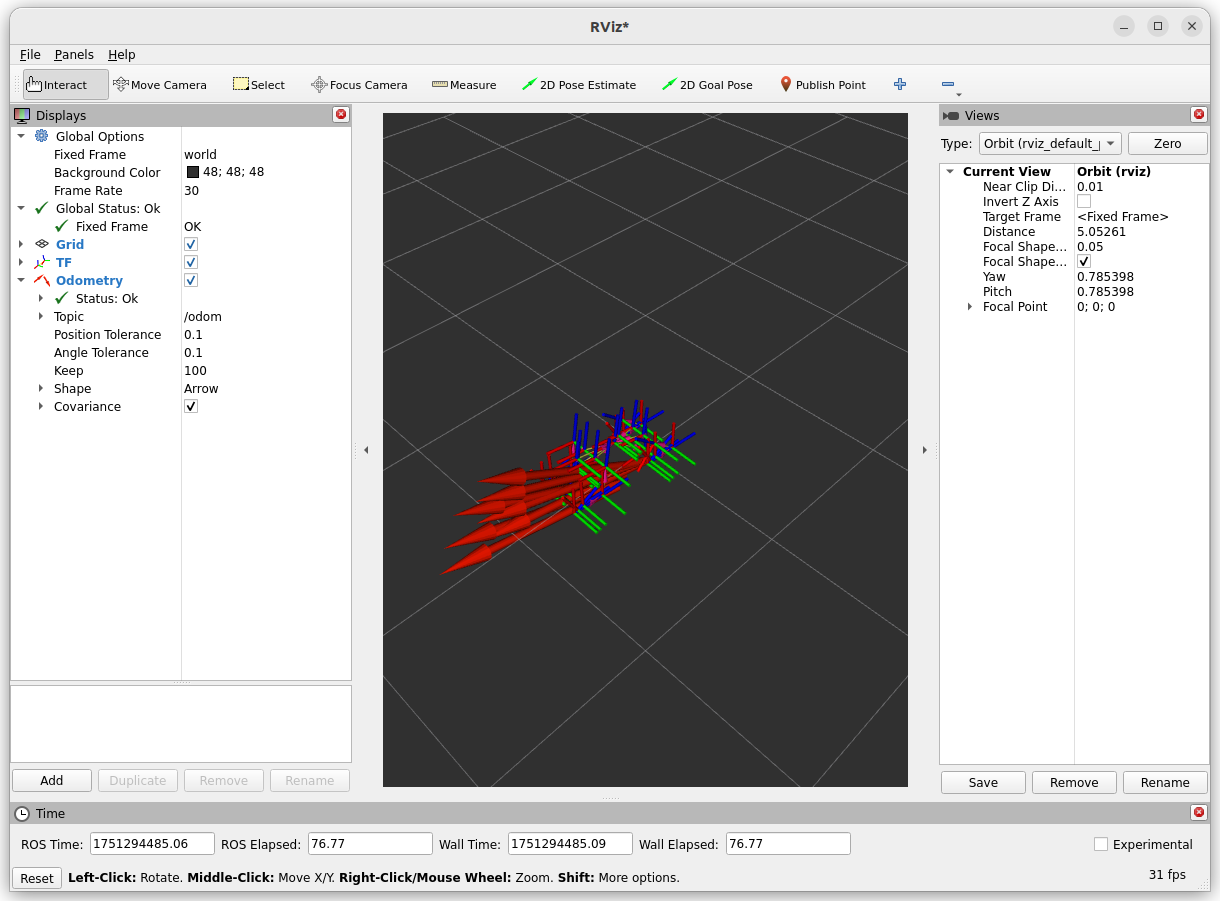
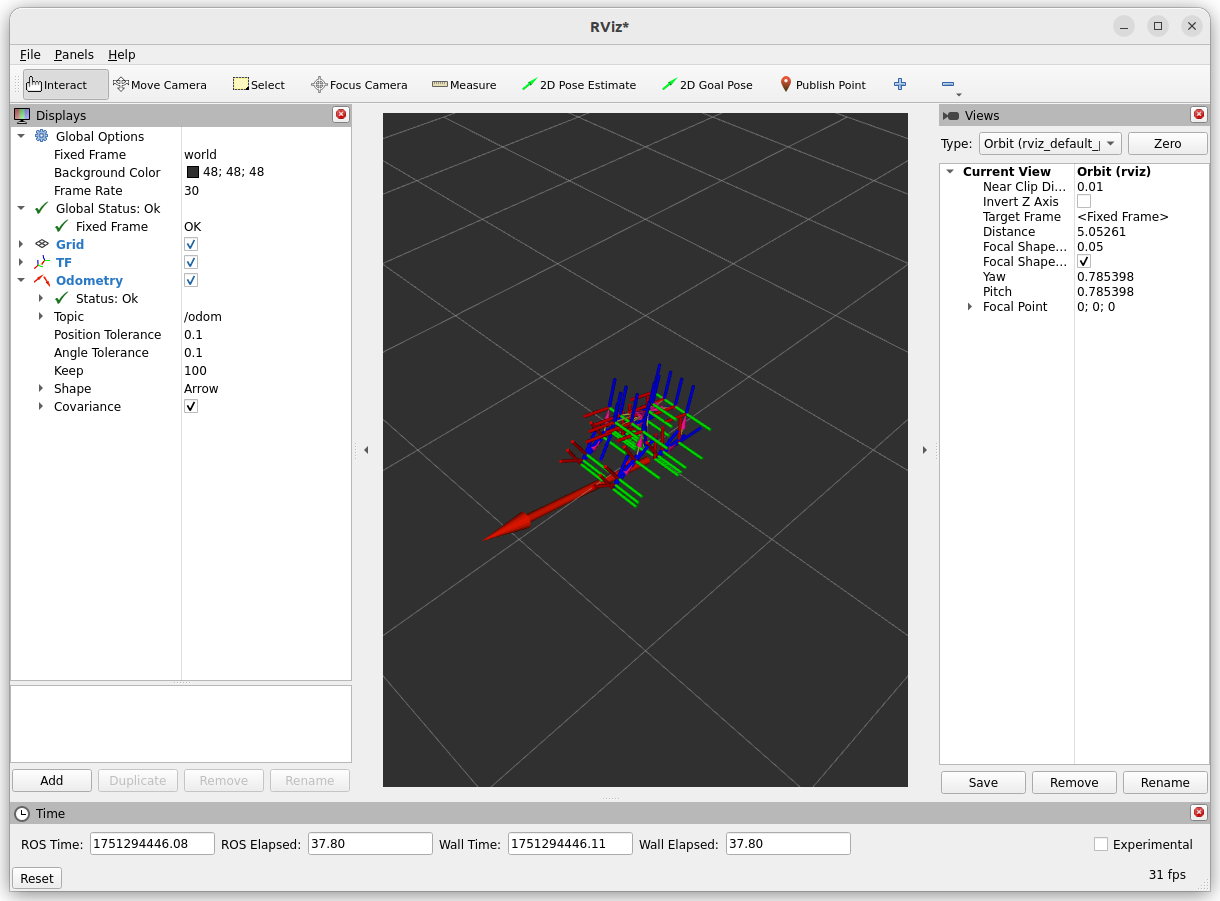
Inspect TF and Odom by launching rviz2 and set Fixed Frame to world and Add > TF. Then, Add > Odometry and set Topic to /odom.
Send a joint command:
ros2 topic pub --once /joint_command sensor_msgs/msg/JointState "{
  name: [
    'FL_hip_joint', 'FR_hip_joint', 'RL_hip_joint', 'RR_hip_joint',
    'FL_thigh_joint', 'FR_thigh_joint', 'RL_thigh_joint', 'RR_thigh_joint',
    'FL_calf_joint', 'FR_calf_joint', 'RL_calf_joint', 'RR_calf_joint'
  ],
  position: [0.0, 0.0, 0.0, 0.0, 0.0, 0.0, 1.0, 1.0, 0.0, 0.0, 0.0, 0.0],
  velocity: [],
  effort: []
}"
The Go2 should move forward a little bit, which can be seen in both Isaac Sim and RViz2.